
The Android task management app for teams on Google Workspace
Your phone runs on Google, and so does your team. GQueues is the best task manager for teams that live in Gmail, Google Calendar, and Drive, and now an all-new experience for Android keeps every task in sync with the Google apps you already use.


Just sign in with Google.

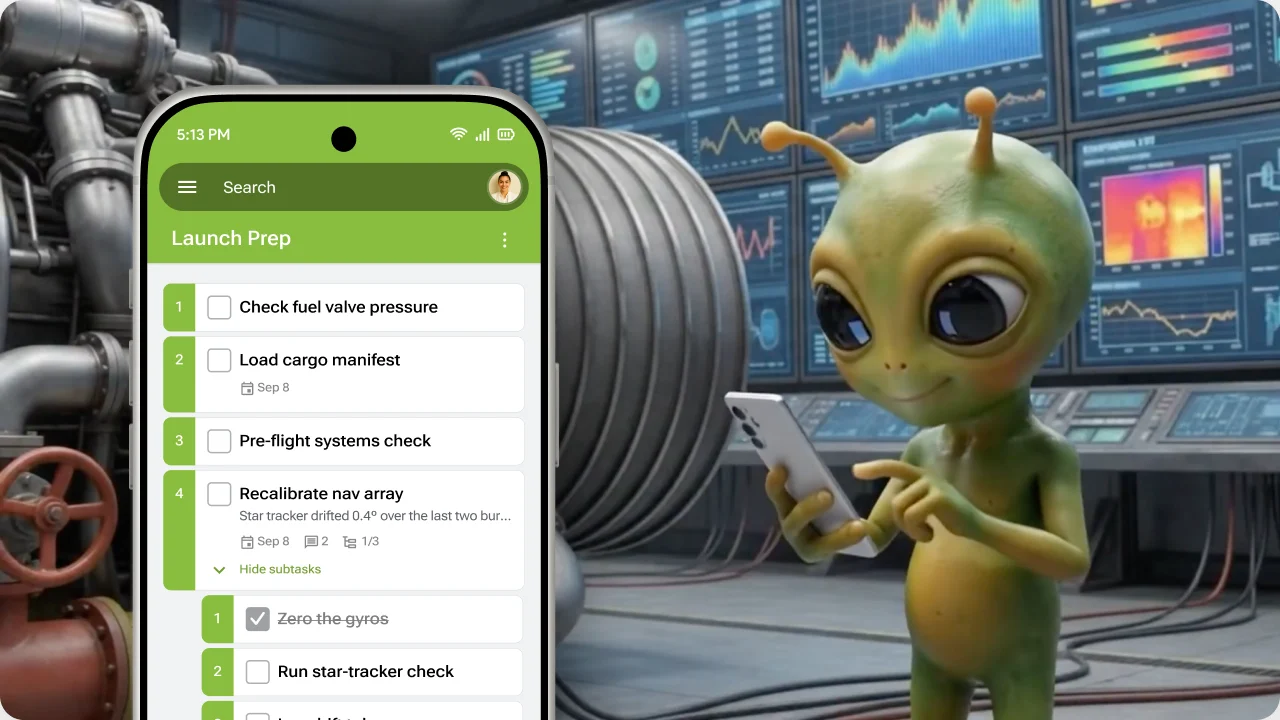






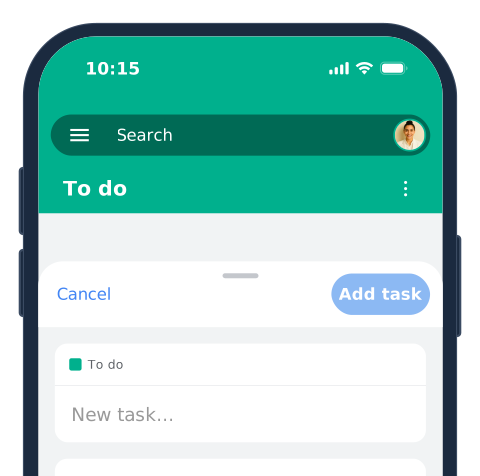
Capture tasks the moment they come up
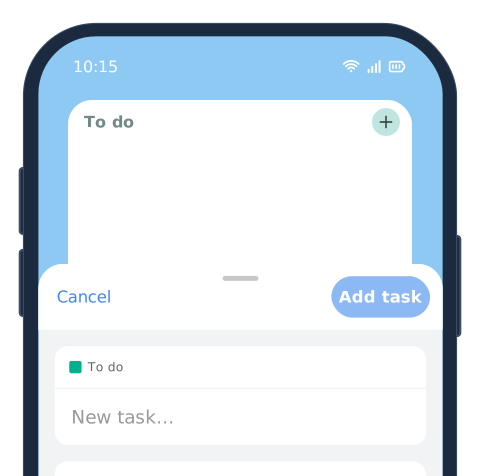
Add a task in seconds, before it slips your mind. Share a link or file from any app straight into GQueues as a new task, and anything you've turned into a task from Gmail on your computer is already waiting on your phone. No signal? No problem. GQueues works offline and syncs the moment you're back.

Know what's due today, and what can wait
Smart Queues automatically gather what's due today, this week, or slipping overdue from across all your projects. Two-way Google Calendar sync puts your tasks right next to your meetings, so you can block out time to get work done and plan a day that's actually realistic. When plans change, reschedule with a swipe.

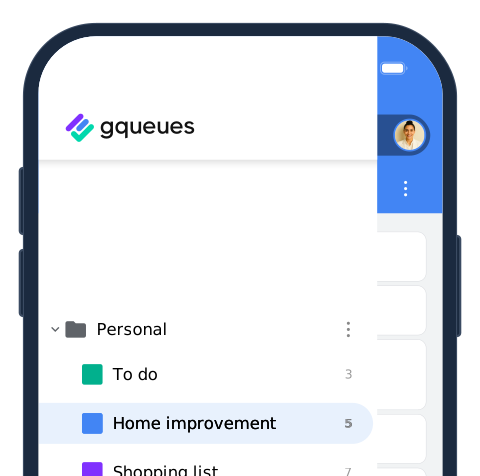
Project management that keeps your team in sync from anywhere
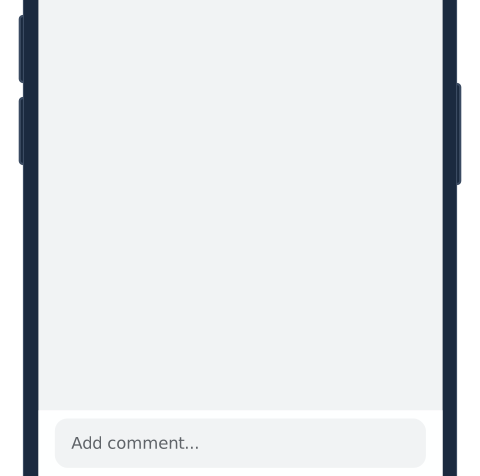
As a project management app built for teams, GQueues lets you assign tasks to colleagues right from your Google Contacts, reply to comments with @mentions, and attach files from Google Drive without waiting until you're back at your desk. Updates appear for everyone in real time, so your whole team stays on the same page.
A widget that's right at home on Android
Android is built for a home screen that’s all yours, and GQueues fits right in. The GQueues widget lets you pick any queue to display, add a task by typing or with just your voice, and jump straight into a queue you access frequently whenever you need the details.

Get the task management app made for Google Workspace
GQueues is designed to be familiar for teams that run on Google Workspace. It won't feel like a new tool to learn, so you can get to work instantly.
It's a task and project manager that works seamlessly with the Google Workspace apps you already use every day like Gmail, Google Calendar, Drive, Contacts, and more. With two-way Google Calendar sync, a task you reschedule on your Android phone updates everywhere, instantly.

Frequently Asked Questions
Yes. GQueues is free to download from Google Play, and it works with every GQueues plan, including the free GQueues Lite plan. Your plan's features are the same on your phone as they are on the web, so you can upgrade whenever you're ready for more.
If your team runs on Google Workspace, GQueues is built for you. It's a task management and to-do list app with the deepest Google Workspace integrations of any task manager, including two-way Google Calendar sync, Gmail integration, and Google Drive attachments, so your tasks live right alongside the apps you already use.
Yes. The GQueues app works on Android phones and tablets, and your queues and tasks stay synced across all your devices and the web.
The GQueues app was completely rebuilt and redesigned in 2026. It has a fresh, modern look, faster navigation that saves you taps, and easier task capture from any app with the share sheet.
Yes! The all-new GQueues app is also available for iPhone and iPad, with the same Google Workspace integrations. Learn more and download GQueues for iPhone and iPad.
Yes. GQueues has two-way sync with Google Calendar, so when you move a task in GQueues or on your calendar, it updates everywhere instantly.
Yes. GQueues can import your tasks from Google Tasks, so you can bring your existing to-do lists over and start collaborating with your team right away.
Yes. You can view, add, and update tasks without a connection, and GQueues syncs everything the moment you're back online.
Download GQueues from Google Play and sign in with the same Google account you already use on your phone. If you already use GQueues on the web, your queues, tasks, and teammates will be right there waiting for you.
Chat with our Customer Care Team! You can send us a chat or email right from the app, and our Help Center has walkthroughs anytime you get stuck.


Prioritize your way to peace of mind
