
How to Turn Emails into Tasks in Outlook, Gmail, and More


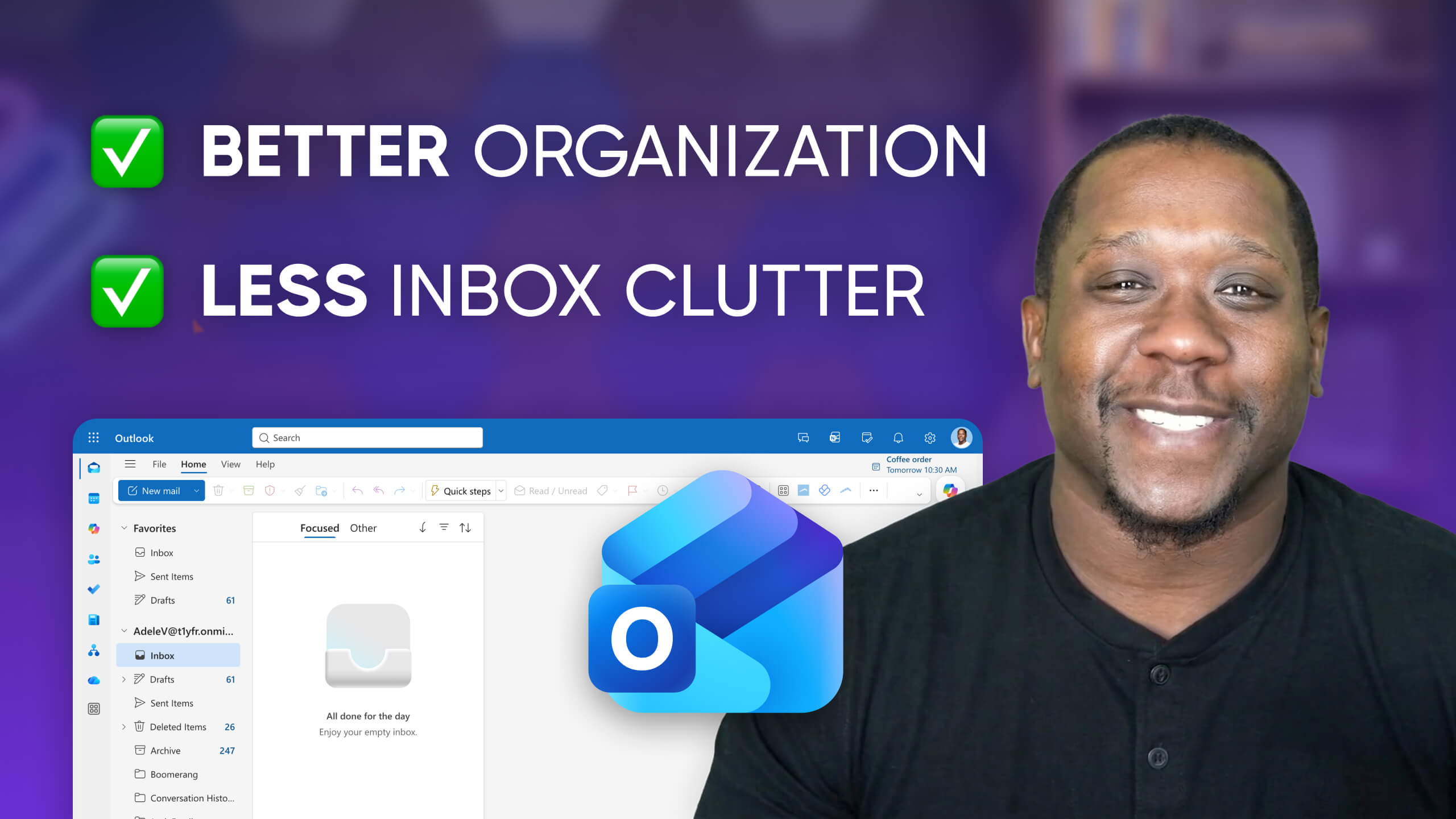
Turning an email into a task is the first step toward reclaiming your focus. In this video, we'll walk through the native ways to create a task directly from your Inbox in both Gmail and Outlook. In Gmail, this utilizes the built-in Google Tasks app. In Outlook, your tasks end up in Microsoft To Dos.
These solutions help an individual declutter their Inbox. But for teams or high-volume projects, there are a number of drawbacks:
• No collaboration in Google Tasks or Microsoft To Dos: Can't assign tasks to others
• Google Tasks and Microsoft To Dos create silos
• Inadequate for large or long-term projects
To upgrade your workflow for turning emails into tasks right from your inbox, check out GQueues.
GQueues is the #1 all-in-one task manager for teams that use Google Workspace. GQueues integrates deeply with the apps you already use every day — like Gmail. With GQueues, you can create a task directly from your inbox. The difference? That task can be viewed by colleagues and assigned to team members.


More videos



Prioritize your way to peace of mind

